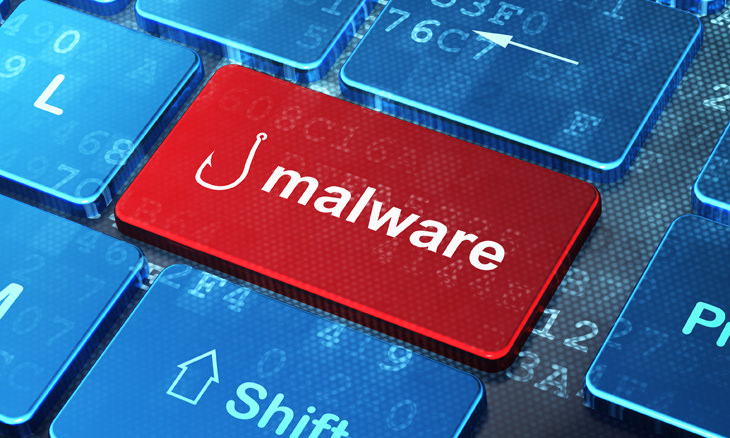
The term “Malware” is an amalgamation of ‘Malicious’ and ‘Software’. It usually refers to software that infects your computer similarly to a virus, but often disguises itself as seemingly innocent add-ons like browser toolbars, fake antivirus programs that demand money, and other unpleasant interruptions.
What’s the point of malware?
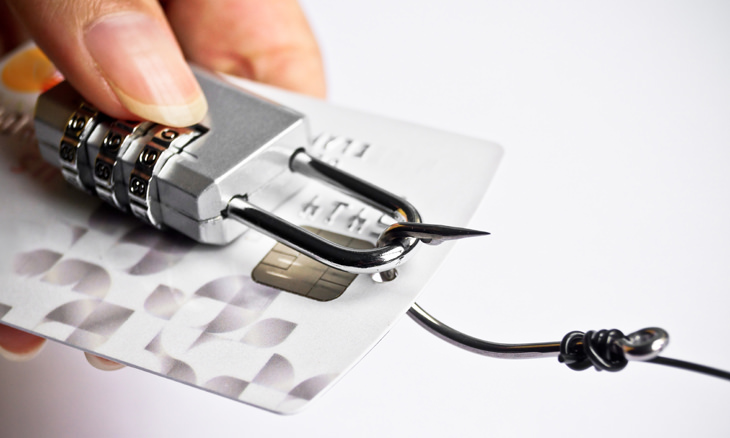
The people who make malware do it for many reasons, but the most common ones are to collect your personal data or direct you to websites they own to make money through advertising.
What are the symptoms of a computer with malware?
• Sluggish performance
• Being redirected to websites you didn’t mean to go to
• Unwanted messages
• Advertisement pop-ups
• Requests/demands for money
• Odd warnings/alarms
• Unwanted toolbars in your internet browser
• Too many search bars
What can you do to prevent malware?
First, Make sure you have good anti-virus software (they can prevent most of the basic malware), and then install a malware detection and removal tool, then use it to scan and clean your computer.
Top free anti-malware tools
1. Malwarebytes Anti-Malware 3.0
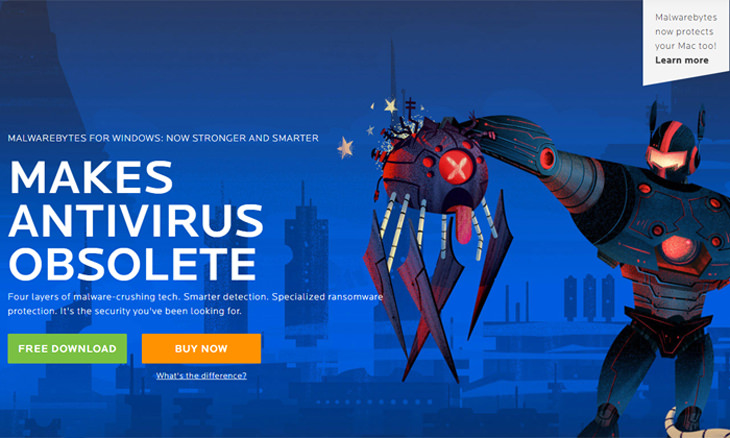
Considered to be the BEST anti-malware tool today. It was invented by a young man who hated how complicated older tools were, so he created his own and it has since become the easiest, most used and most effective tool on the market, providing 99.9% malware protection.
2. Bitdefender Antivirus Free Edition
Bitdefender’s free antivirus comes in a close second after Malwarebytes' tool, but while it offers 98.9% protection, it also serves as antivirus software. Install it on a computer without a pre-installed antivirus software and enjoy its double protection.
3. Microsoft Security Essentials
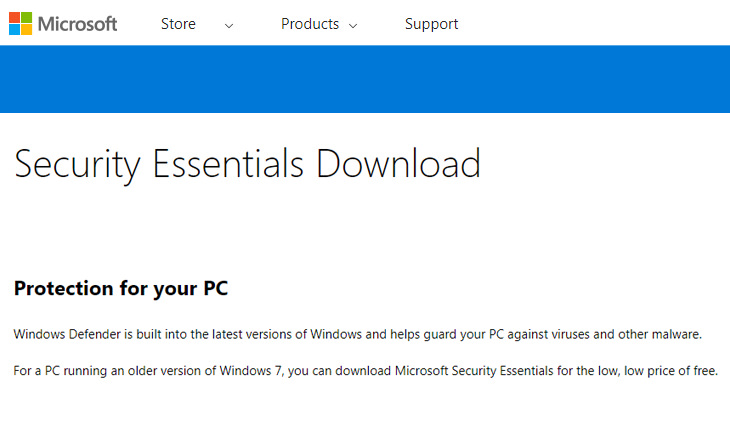
Microsoft offers this malware and virus protection for free, and it has a good reputation as a tool that will remove most malware from your computer. If you’re using Windows 8 (or higher), you don’t need to download it as it’s already pre-installed on your computer.
Images (including cover) by Deposit Photos.

FYI: 7 Simple Ways to Avoid Hacking and Identity Theft
The internet is an amazing tool and a fun opportunity to add to your knowledge, it's important to remember to have fun while keeping yourself secure and safe from identity theft. These are the basic habits you need to have to keep your online identit
If You Use One of These Passwords, You Must Change It ASAP
Discover what the most common passwords of 2017 were, and find out if yours is on the list!
This Free Program Means You'll Never Lose a File Again
We all hate losing files and photos on our computers. Luckily, a free program called Recuva exists to help you get your deleted files back.


What Do Those 12 'F' Keys on Your Keyboard Do?
Find out what those 12 curious F keys on your keyboard mean.
The 9 Free Programs Your New PC Computer Must Have
The essential list of software every new computer needs to run smoothly and safely.
Have You Been Blocked on Facebook? Find Out Here...
If you're wondering whether or not someone has blocked you on Facebook, then read this article to find out if this is really the case.
5 DIY Solutions to Better Organize Your Cords and Cables
Computer cables have an annoying tendency to tangle and create an unseemly mess. Here are some easy ways to prevent that.
Who Traces Your Emails? Learn How to Detect Email-Tracking
40% of emails are being tracked by somebody without people's consent or notification, which means you'd better learn how to protect your privacy...
What Causes Laptop Batteries to Bulge Over Time?
These early warning signs can save your laptop's battery and prevent potentially dangerous situations.
You Didn’t Realize it, But AI Is Making Your Life Better!
Here are thirteen unique ways AI can simplify daily life.
2025's Online Threats Will Be More Sophisticated Than Ever
A look at the cyber scams that you need to be wary of this year.
10 Popular Tech Myths You Need To Stop Believing Now
Here we bust some popular and common myths about everyday tech that people still believe in.
12 Amazing Internet Radio Stations to Spice Up Your Day!
Check out these 12 fantastic internet radio stations.
Overpaying for Streaming? Here’s How to Fix That!
Save big on your streaming bills with these simple tips.
6 Reliable Ways to Save YouTube Videos in 2024
Want to download your favorite YouTube videos for offline viewing? Read this now!
Guide: How to Unlock Your Phone Without a Passcode
Forgot your phone passcode? Don't panic.Just follow these steps.
1:56
No More Clutter! Free Up WhatsApp Storage in Minutes
Running out of storage on your phone because of WhatsApp? Try these hacks now.
Can’t Connect to the Internet? Here’s What To Do
Not being able to connect to the internet is one of the most pestering things. This is why it might be happening and easy solution to fix it.
Making These Email Mistakes Comes Off As Rude or Annoying
When sending an email, the last thing you want is to come off as impolite or annoying. Here are 5 common email mistakes to avoid.
Is Your Browser Slowing Down? Fix It With These 10 Tips
Get Chrome running smoothly with these seven easy fixes.
Best ChatGPT Prompts for 2024
Let's explore some great prompts you can start with on your AI adventure, either for fun or for productivity or knowledge.
Turn Off These 9 Android Settings. They Pose a Risk
Here are some Android settings that you should consider turning off to enhance your device’s performance.
Here’s Where You Can Watch Classic Movies for Free!
Want to watch free classic movies? Check out these sites and apps.
12 USEFUL Chrome Extensions That Save Time
Improve your browsing experience with these free Google Chrome extensions.
2:35
6 Simple Tips for Taking Screenshots on Windows
Taking screenshots on Windows is now super easy. Just note these tips.
We Found These Awesome Sites for Reading Short Stories!
These are the best places to read short stories online.
11 Free AI Tools That Actually Help You Get Stuff Done
Have you tried any of these useful free AI apps?
17:20
Discover a Feature of Windows That's Super Helpful
Learn how to use some advanced new features of Windows 10 that you probably weren't aware of.
USB Drives Can Do More Than You Think – 10 Hacks You Need
Let’s explore some of the most practical yet overlooked ways to use USB drives.
Your Computer Mouse Can Do Much More Than You Think...
Knowing how to use your mouse can make computing so much easier than you ever realized. Here are some great tips on how to maximize the use of your mouse, which will increase your overall productivity on the computer.
11:12
The Windows Recycle Bin Isn’t Just for Trash—Here’s Why
Did you know about these cool features of the Windows Recycle Bin?
Smishing 101: How to Recognize Scam Text Messages
This is how you recognize and handle fraudulent or scam text messages, also known as smashing.
3:35
Want to Increase Your iPad Keyboard Size? Watch This Guide
Want to increase the size of your iPad? Watch this tutorial now…
If You Aren’t Doing these Things, Your PC WILL Wear Out...
All the basics of computer maintenance.
Replace Your Smartphone if It’s Showing Any of These Signs
Here are 7 major telltale signs that your smartphone is in need of an upgrade.
How to Tell If a Virus Warning Is Real or Fake - 12 Tips
If you see a barrage of security alerts popping up on your computer, then it might be sign of a virus attack.
These 10 Keyboard Shortcuts Will Make Life Easy!
These keyboard shortcuts will help you learn the easiest ways to use your computer when your mouse is being less than cooperative!
Did You Know These Cell Phone Facts Are All Totally False?
People just love to give you advice about smart phones, but it turns out that a lot of this information is false. Never believe these 9 smart phone myths.
5:02
How to Transfer Data From Your Old iPhone to The New One
Got a new iPhone? Here's how you can move all your data from your old iPhone to the new one.
3:28
Easy Tips for Connecting Your Laptop to an External Screen
Watch this helpful tutorial to learn how to connect your laptop to a monitor.
Watch Classic Cinema for Free with These Sites!
Here's where you can watch hundreds of classic movies online for free.
9 Warning Signs You're Dealing with a Social Media Scam
Don’t fall for these common social media scam ads.
You Should Bookmark These Incredibly Useful Sites
Make sure that you bookmark these handy websites!
Stop Paying For Software: 8 Free Productivity Options
Here are eight free open-source alternatives that can take the place of paid productivity apps without sacrificing quality or functionality.
10 Warning Signs You’re About to Fall for a Fake Ad
Thse are 10 red flags that should make you pause before clicking on a social media ad.
Do You Know How to Act in a Medical Emergency?
Don't feel powerless in a medical emergency, learn what actions to take in these 10 serious medical emergencies and how to save lives
Surround Yourself With the Forest Sounds of the World
Ready to be surrounded by the music of the world’s forests and experience the restorative properties of being in nature?
To enable your Ad-Free Subscription, please fill the fields below
Your subscription was successful, now you can enjoy an ad-free experience!! Note: To make sure you get no ads, please make sure to log in to your account. If you are logged in already, then refresh the page. The subscription can be cancelled at any time.